JM Press
- Primary musclesTriceps
- EquipmentBarbell
- LevelBeginner
AtletIQ — a workout log: working weight, sets and reps for your goal and level.
Calculate your weight in the app-
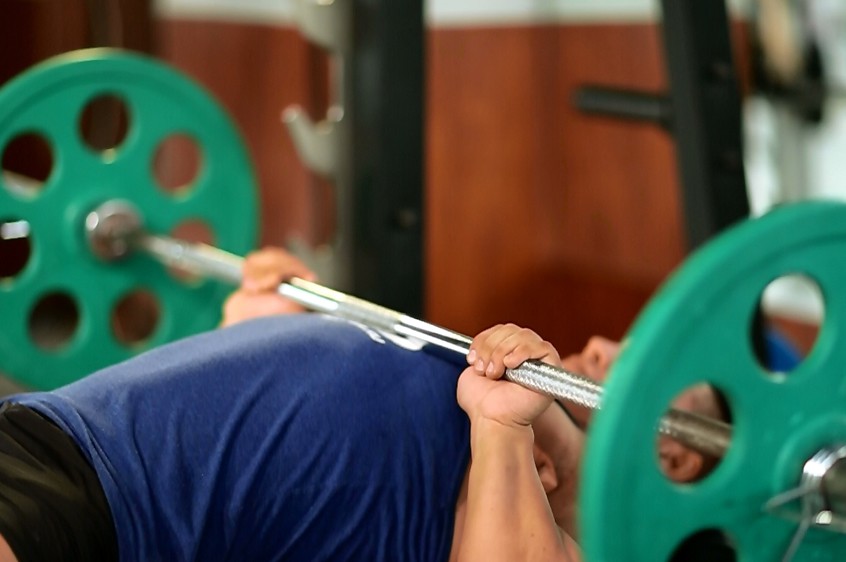 01Starting position
 -
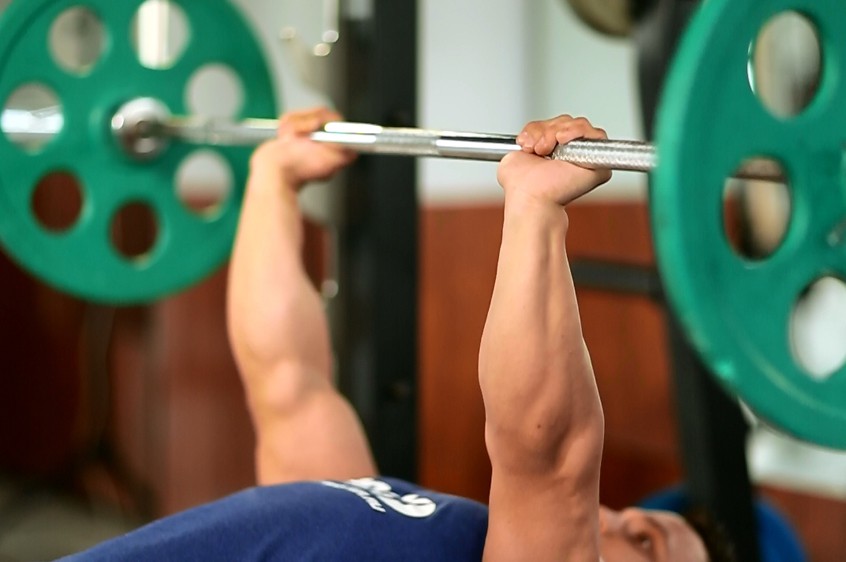 02Final position
-
 01Starting position
 -
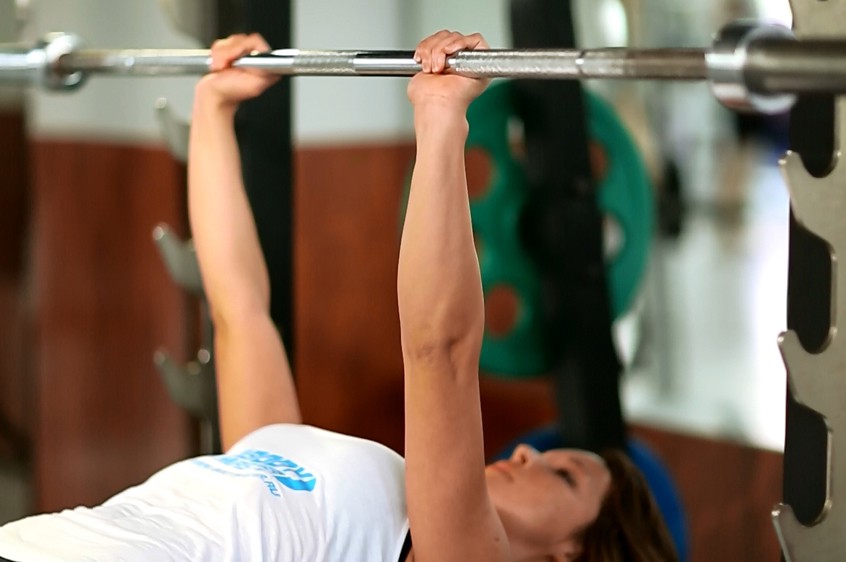 02Final position
What weight to use
Set your goal and fitness level — the AtletIQ app calculates the working weight and number of reps for "JM Press".
- Working weight for your goal and fitness level
- Sets, reps and rest in your workout log
- Progress for every exercise
| Workout | Weight | Sets × reps |
|---|---|---|
| 1 | 35.5 kg | 3 × 10 |
| 2 | 40 kg | 3 × 8 |
| 3 | 33 kg | 4 × 12 |
How to do it
5 stepsStart the exercise the same way you would a close grip bench press. You will lie on a flat bench while holding a barbell at arms length (fully extended) with the elbows in. However, instead of having the arms perpendicular to the torso, make sure the bar is set in a direct line above the upper chest. This will be your starting position.
Now beginning from a fully extended position lower the bar down as if performing a lying triceps extension. Inhale as you perform this movement. When you reach the half way point, let the bar roll back about one inch by moving the upper arms towards your legs until they are perpendicular to the torso. Tip: Keep the bend at the elbows constant as you bring the upper arms forward.
As you exhale, press the bar back up by using the triceps to perform a close grip bench press.
Now go back to the starting position and start over.
Repeat for the recommended amount of repetitions.
Variation: You could use dumbbells to perform this movement.
Similar exercises
All Triceps exercises · 53-
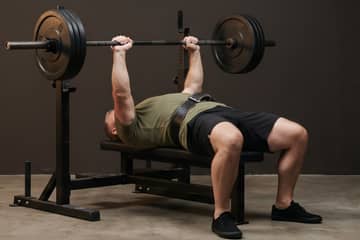 Video Close-Grip Barbell Bench Press Triceps
 -
 Video Lying Barbell Triceps Extension (French Press) Triceps
 -
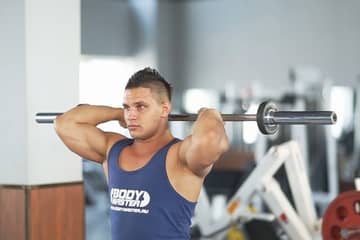 Video Standing Overhead Barbell Triceps Extension Triceps
 -
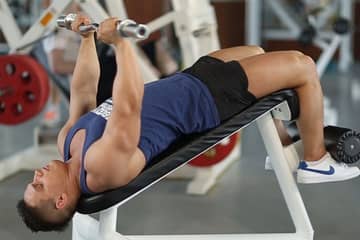 Video Decline EZ Bar Triceps Extension Triceps
 -
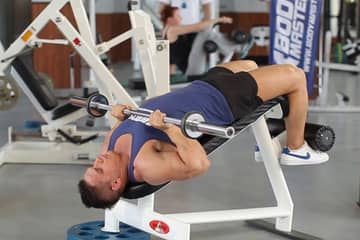 Video Decline Close-Grip Bench To Skull Crusher Triceps
 -
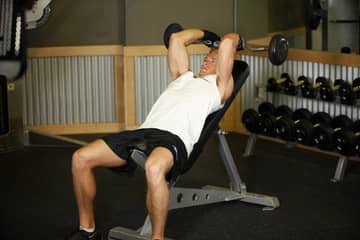 Incline Barbell Triceps Extension Triceps
AtletIQ app
A workout log with working weight calculation: program, sets and progress on your phone.